
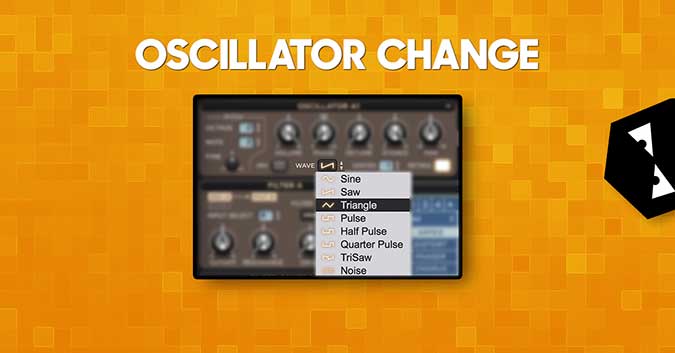
#AudiotentTip 63. Oscillator Change.Try swapping the oscillator waveforms whilst leaving the modulation and effects in tact. This way you can get new textures and retain the character/shape of the ...
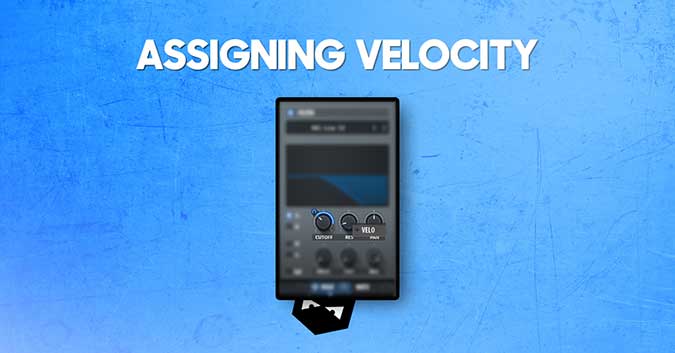
#AudiotentTip 62. Assigning Velocity.Assign the note velocity to a filter's cut-off, resonance, or pitch to create an interesting patch with lots of variation.

#AudiotetntTip 61. Gain Staging.Each plugin has it's 'sweet-spot', make sure to check the signal levels at input and output stages of every plugin you add.
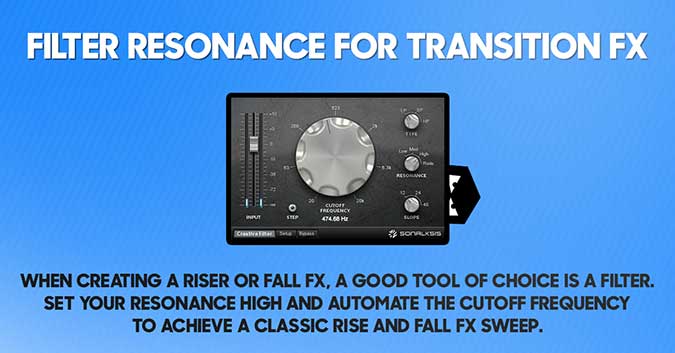
Filter Resonance For Transition FX
#AudiotentTip 60. Filter resonance for transition FX.When creating a riser or fall FX, a good tool of choice is a filter. Set your resonance high and automate the cutoff frequency to achieve a clas...

#AudiotentTip 58. Serial compression.Try using a few compressors in series (one after another), to combine the strengths of each. E.g. No.1 for character & No.2 for clean dynamic shaping.
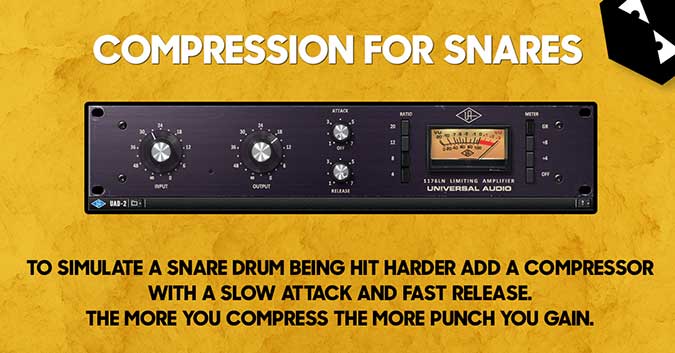
#AudiotentTip 59. Compression for snares.To simulate a snare drum being hit harder add a compressor with a slow attack and fast release. The more you compress the more punch you gain.
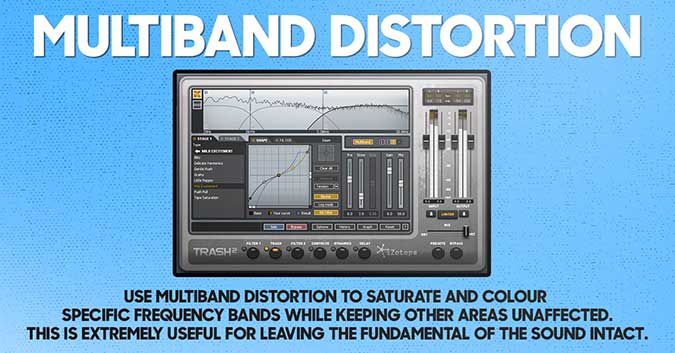
#AudiotentTip 56. Multiband Distortion.Use multiband distortion to saturate and colour specific frequency bands, while keeping other areas unaffected. This is extremely useful for leaving the funda...
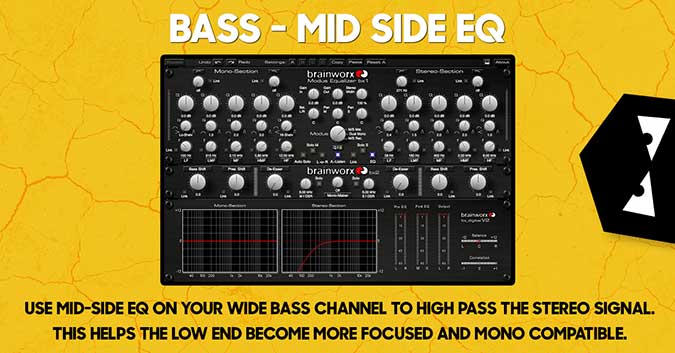
#AudiotentTip 55. Bass - Mid Side Eq.Use mid-side Eq on your wide bass channel to high pass the stereo signal. This helps the low end become more focused and mono compatible.
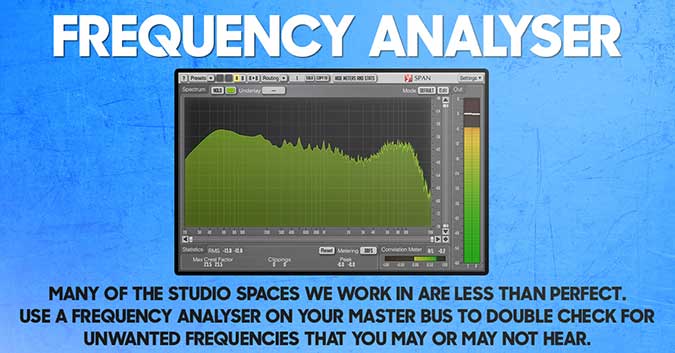
#AudiotentTip 54. Frequency Analyser.Many of the studio spaces we work in are less than perfect. Use a frequency analyser on your master bus to double check for unwanted frequencies that you may or...

Adding a Mono Layer To Your Stereo Sound
#AudiotentTip 51. Mono layer to your stereo sound.If your stereo sound lacks definition or punch, try adding a mono layer to bring in the focus.