
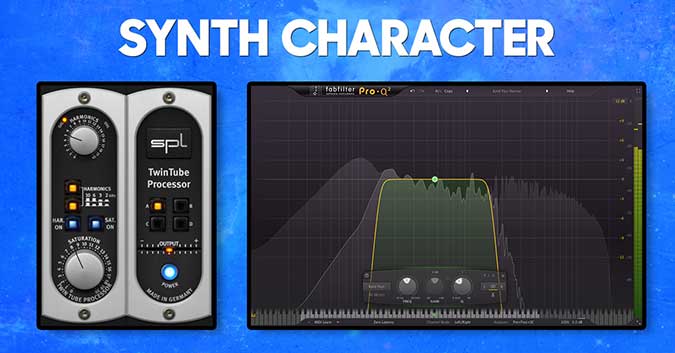
#AudiotentTip 164. Synth character.Duplicate your synth channel, add a saturation/distortion plugin to get some extra harmonics. Now insert a band pass filter and sweep until you find the sweet spo...
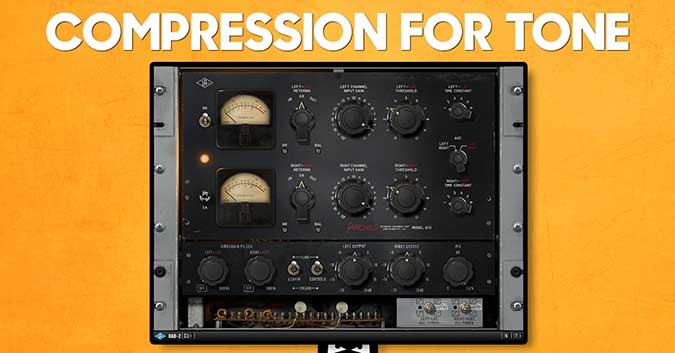
#AudiotentTip 163. Compression for tone.When EQ doesn’t work, try reaching out for a compressor. As well as altering the dynamics, a compressor can also shape the tone of the sound. This is especia...
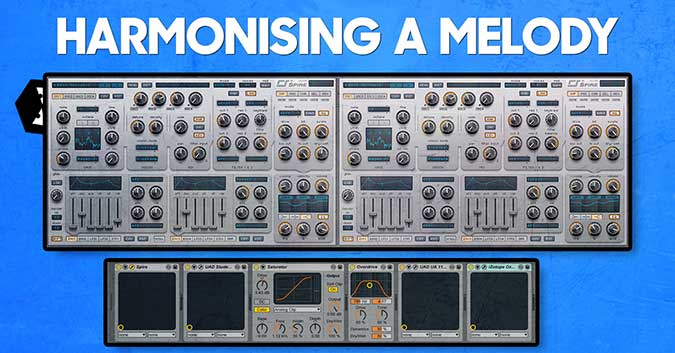
#AudiotentTip 162. Harmonising a melody.A great way to introduce additional interest to a simple melody is to harmonise it. You can use another sound to play additional notes. Alternatively, use th...
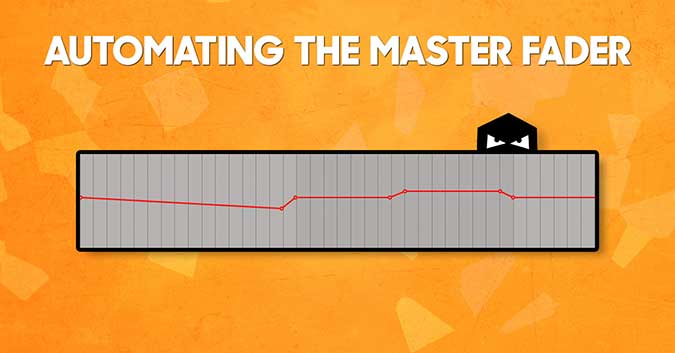
#AudiotentTip 161. Automating the Master Fader. Once the mix is done, there is another trick to add extra dynamics to your music. Try automating the volume of your master fader. E.g. lower the volu...
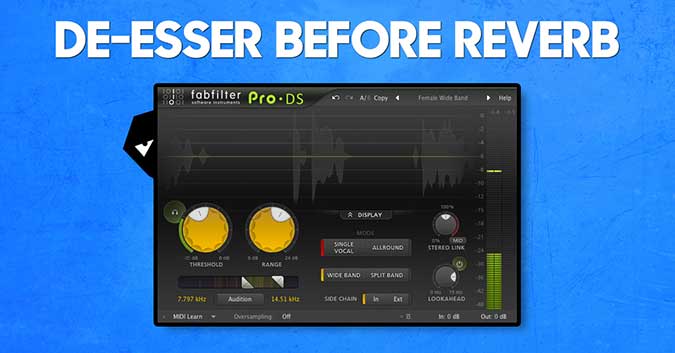
#AudiotentTip 160. De-esser before reverb. If there are a few subtle sibilant consonants (“z”, “s”, “sh”) in your vocal recording, you are likely to get away with it with little to no processing. H...

How to use a vocoder on synths
#AudiotentTip 159. Vocoder on Synths.When you think of vocoders you automatically think of vocals. Although this is the most practical use and most widely used application for the plugin, don't be ...
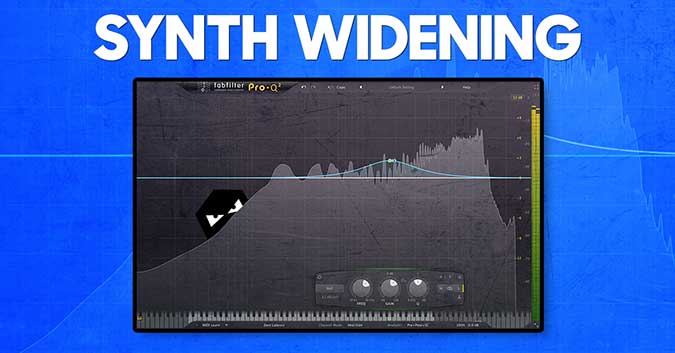
How to widen a synth using mid side processing
#AudiotentTip 158. Synth Widening.A good way to add additional width to your stereo synth is to use a simple side eq technique. Using a mid/side compatible equaliser, boost a few decibels in the mi...

#AudiotentTip 157. Dry/Wet.Many plugins today allow you to do parallel processing without routing to buses/aux channels. This is very handy and saves a lot of time. Don’t get distracted and caught ...

AudiotentTip 156. Turn Off.Sometimes when working in our DAW arrangement window, we get distracted by numerous details and busy visual representation. It is helpful to take a break. Switch off your...
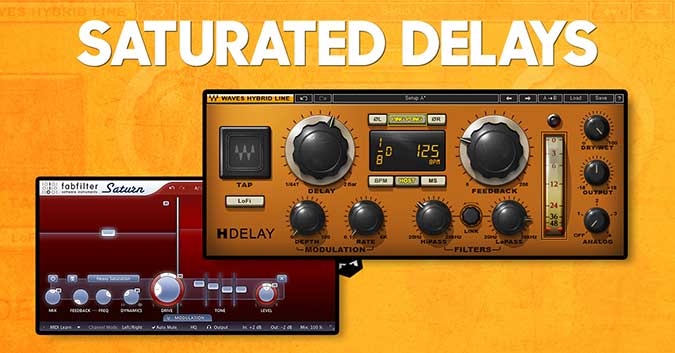
#AudiotentTip 155. Saturated Delays.There are a few techniques to help make your delay stand out. Try adding a distortion/saturation plugin on the return of your delay AUX channel. This could creat...